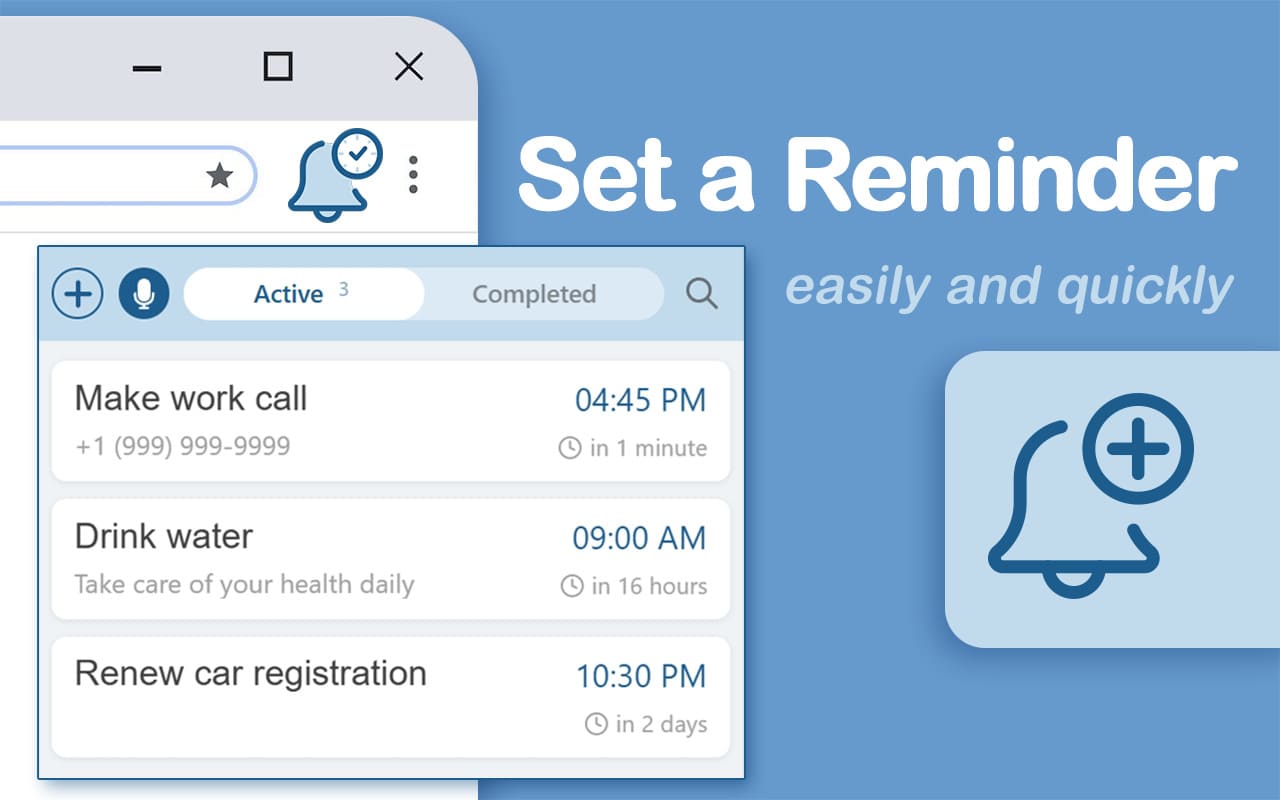
Forget tabs. Forget apps. Just speak.
Set reminders by voice or text without leaving the page you're on. Works offline, syncs with Google Calendar, and takes 2 seconds.
⚡ Add to Chrome – FreeClick icon
In your Chrome toolbar
Speak or type
Natural phrases, no menus
Done.
Get notified at the right time
Voice mode
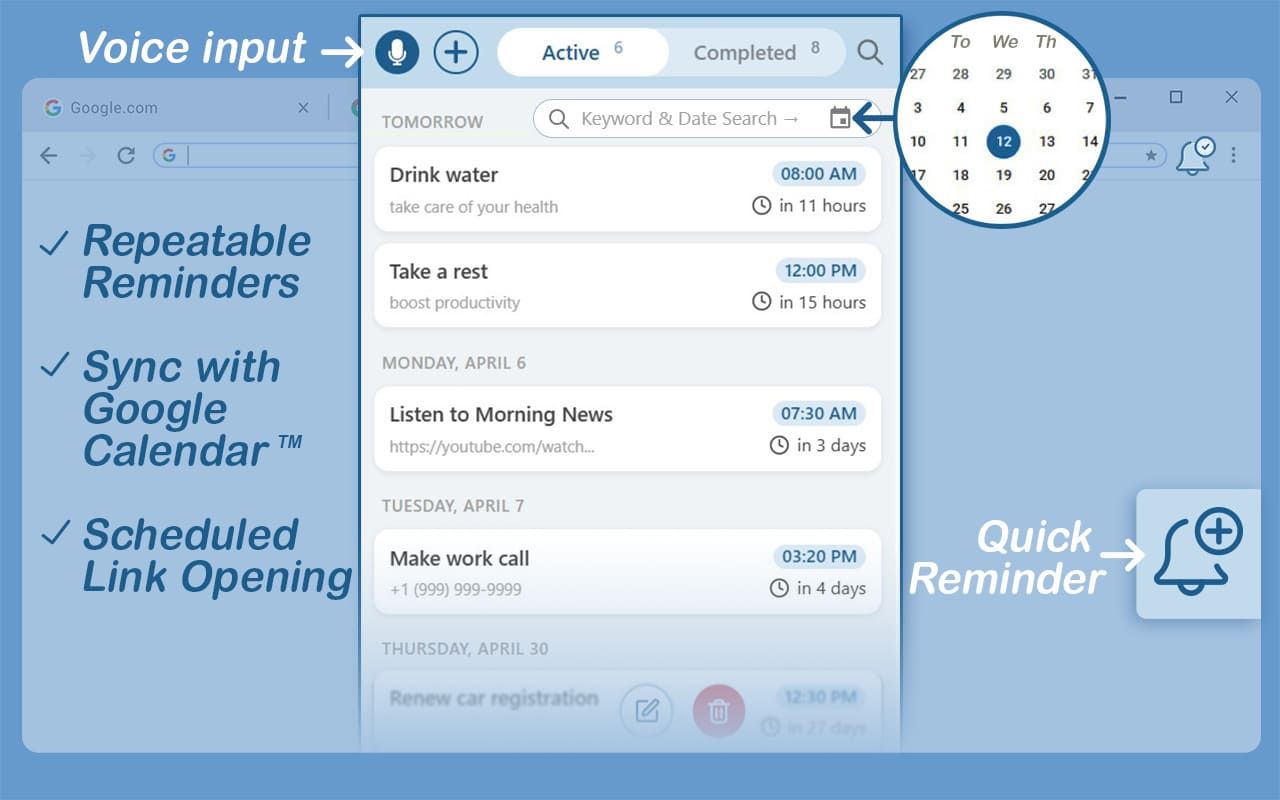
Click and say: “meeting in 1 hour” — extension converts speech to text instantly. Works with accents, background noise, or on the go. Just talk naturally.
- ✅ “remind me to call a courier in 2 hours”
- ✅ “set a reminder for tomorrow at 11 am to email boss”
- ✅ “in 30 minutes take a break”
Text mode
Perfect for quiet spaces, calls, or when you prefer to type. Add tasks, notes, and detailed reminders without saying a word. Keyboard shortcuts for power users.
- ✅ Type “daily standup at 10 AM”
- ✅ Copy-paste meeting notes
- ✅ Use hotkeys to open instantly
Works offline
On a flight, subway, or remote cabin? Create, edit, and receive notifications without any internet. Syncs automatically when back online.
Google Calendar sync
Connect once and all reminders appear as Google reminders on your iPhone or Android. Full control — sync only what you want.
Privacy first
Zero data selling. Your tasks, habits, and notes stay on your device unless you choose to sync. No tracking, no analytics.
Keyboard shortcuts
Power users love speed. Open the extension, add a reminder, and go back to work — without touching the mouse.
“Finally a reminder that takes seconds. I just say 'remind me to buy groceries at 6pm' and it's done. Offline mode saved me on a 10-hour flight.”
— Alex M. · Product Manager
*example based on early tester feedback
Frequently asked questions
Yes. The extension supports 52 languages including Russian, Spanish, German, French, Japanese, and more. Voice recognition follows your browser's language settings.
No separate app needed. Sync with Google Calendar and your reminders appear as Google reminders on your iPhone or Android phone — instantly, without extra installation.
Absolutely. Just say or type “remind me every day at 9 AM to stretch” or “every Monday at 10 AM for team stand-up”. Recurring habits and meetings are fully supported.
All local data is erased automatically. If you used Google Calendar sync, those reminders stay in your calendar (you can delete them there).
No. Set a Reminder is lightweight (~900KB) and uses minimal resources. Notifications and background sync are optimized for speed.
Never. Voice is processed locally or via Chrome’s speech API. No audio leaves your device. We don’t record or store anything you say.
Ready to stop losing track of important things?
Join thousands of users who capture tasks in seconds — just by speaking.
➕ Add to Chrome — It's Free